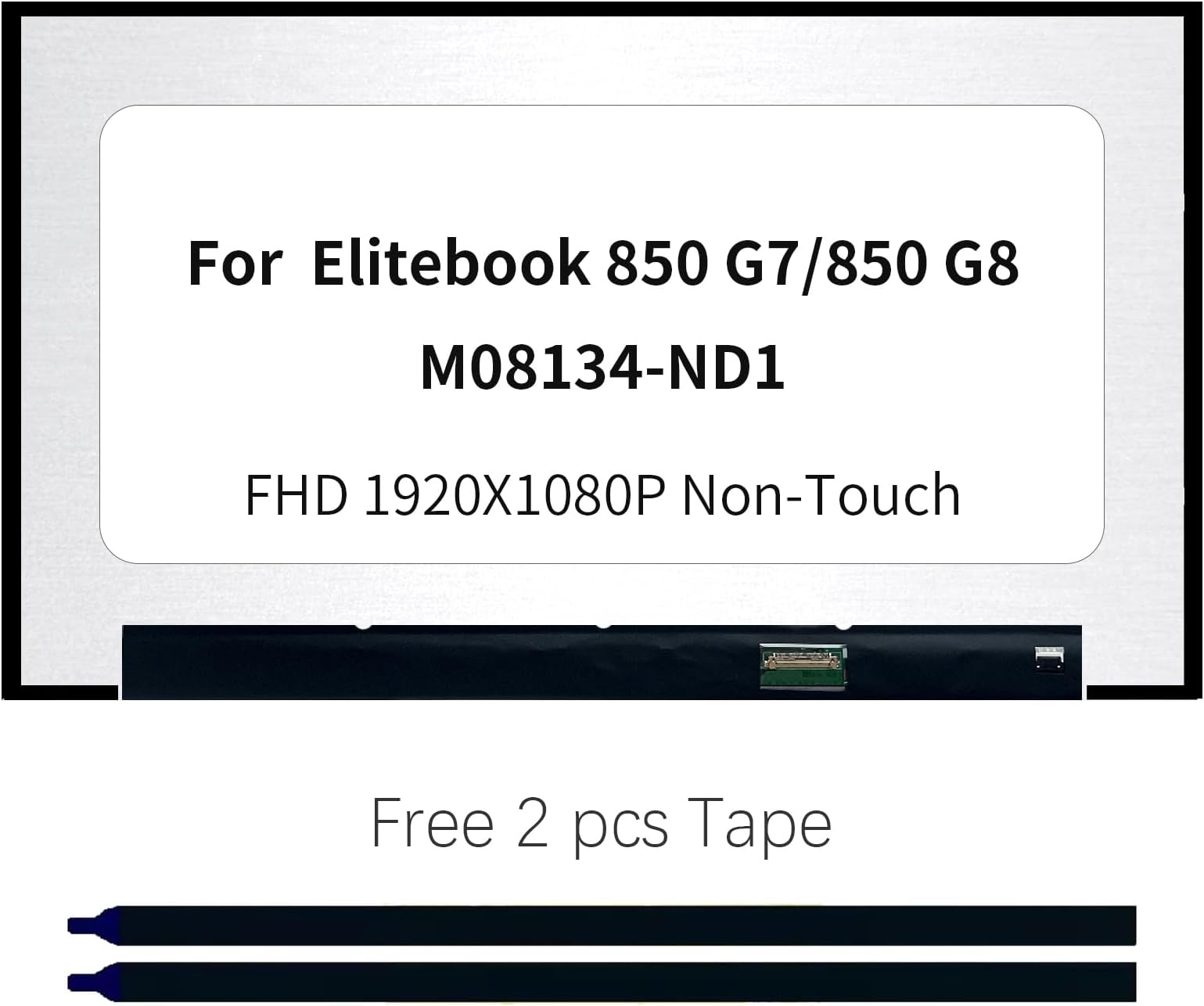
• 14 Inch FHD IPS LCD Screen Replacement For HP EliteBook 845 G8 - 1920x1080 Matte Display With 30-Pin Connector
  • 14 Inch FHD IPS LCD Screen Replacement For HP EliteBook 845 G8 - 1920x1080 Matte Display With 30-Pin Connector
  • 14 Inch FHD IPS LCD Screen Replacement For HP EliteBook 845 G8 - 1920x1080 Matte Display With 30-Pin Connector
  • 14 Inch FHD IPS LCD Screen Replacement For HP EliteBook 845 G8 - 1920x1080 Matte Display With 30-Pin Connector
  • 14 Inch FHD IPS LCD Screen Replacement For HP EliteBook 845 G8 - 1920x1080 Matte Display With 30-Pin Connector
  • 14 Inch FHD IPS LCD Screen Replacement For HP EliteBook 845 G8 - 1920x1080 Matte Display With 30-Pin Connector
  • 14 Inch FHD IPS LCD Screen Replacement For HP EliteBook 845 G8 - 1920x1080 Matte Display With 30-Pin Connector
  • 14 Inch FHD IPS LCD Screen Replacement For HP EliteBook 845 G8 - 1920x1080 Matte Display With 30-Pin Connector
  • 14 Inch FHD IPS LCD Screen Replacement For HP EliteBook 845 G8 - 1920x1080 Matte Display With 30-Pin Connector
  • 14 Inch FHD IPS LCD Screen Replacement For HP EliteBook 845 G8 - 1920x1080 Matte Display With 30-Pin Connector
  • 14 Inch FHD IPS LCD Screen Replacement For HP EliteBook 845 G8 - 1920x1080 Matte Display With 30-Pin Connector
  • 14 Inch FHD IPS LCD Screen Replacement For HP EliteBook 845 G8 - 1920x1080 Matte Display With 30-Pin Connector
  • 14 Inch FHD IPS LCD Screen Replacement For HP EliteBook 845 G8 - 1920x1080 Matte Display With 30-Pin Connector
  • 14 Inch FHD IPS LCD Screen Replacement For HP EliteBook 845 G8 - 1920x1080 Matte Display With 30-Pin Connector

Product Details

Web ID: 700794
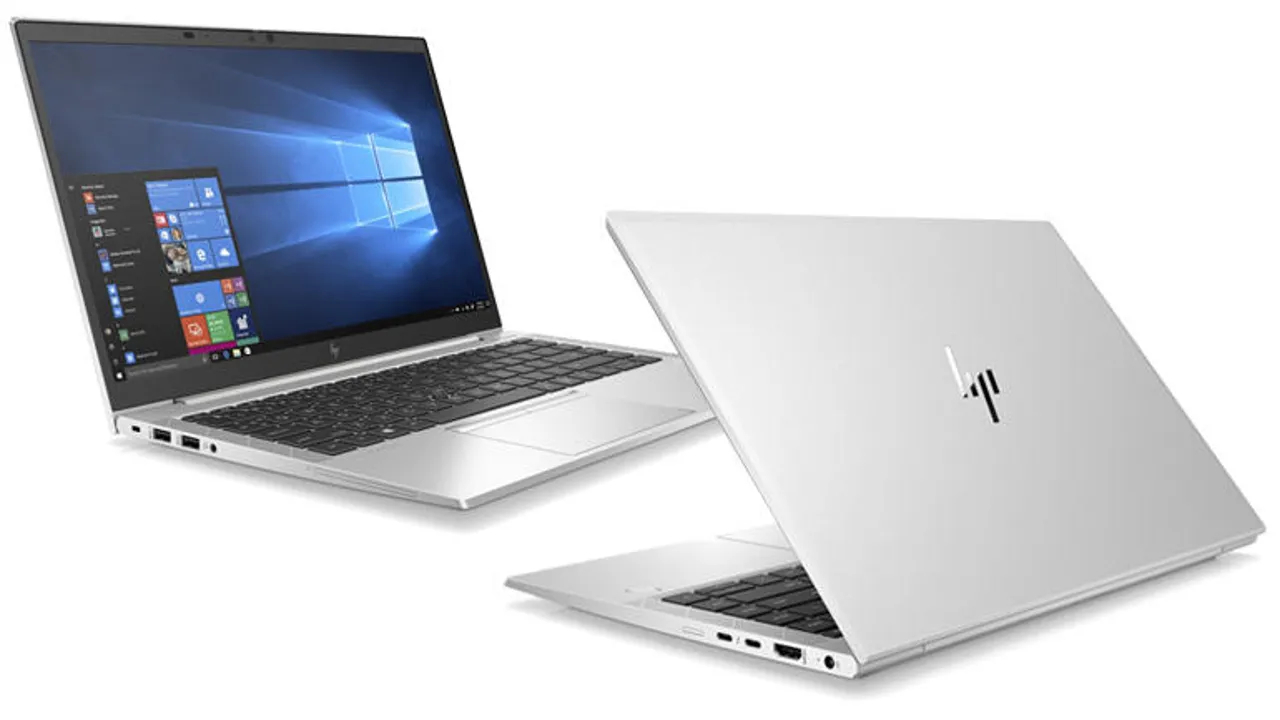
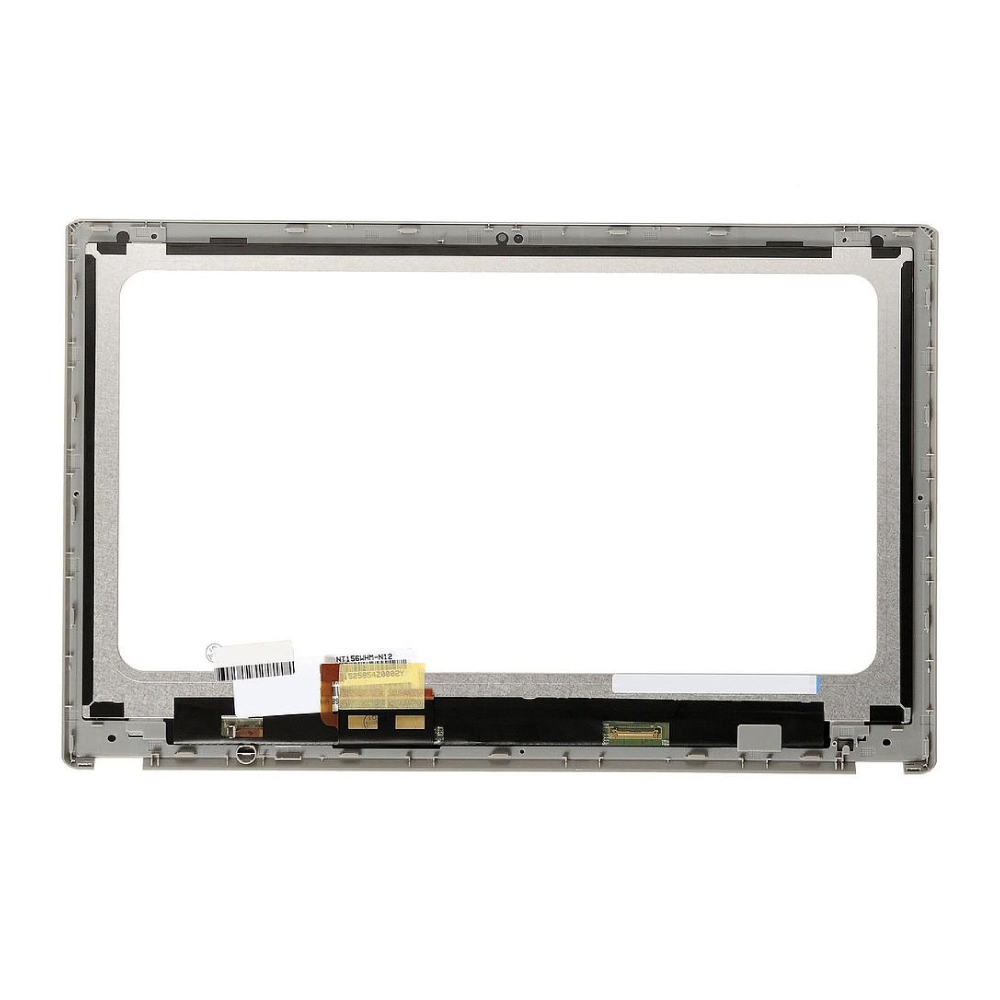
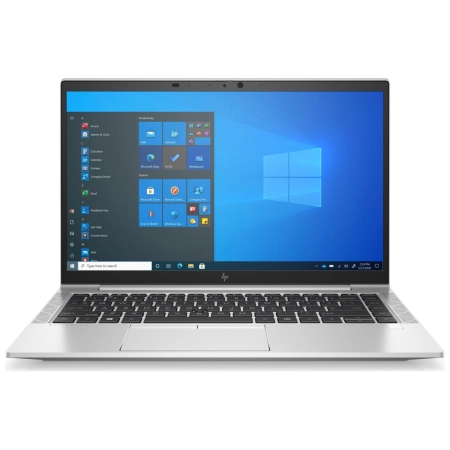
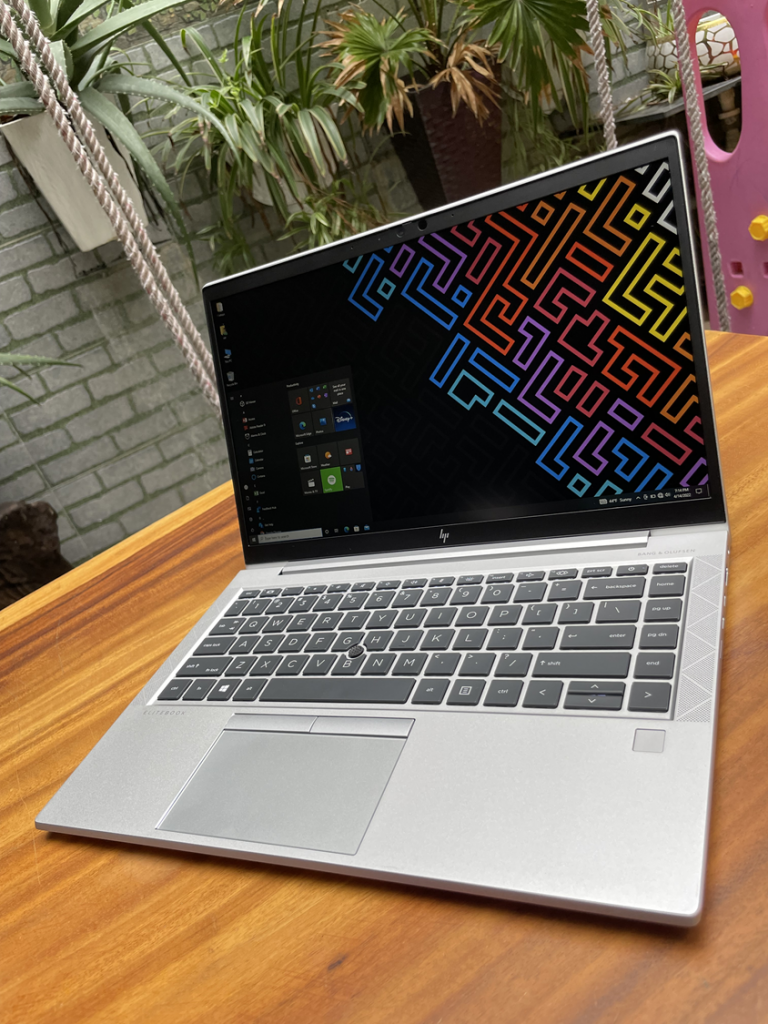
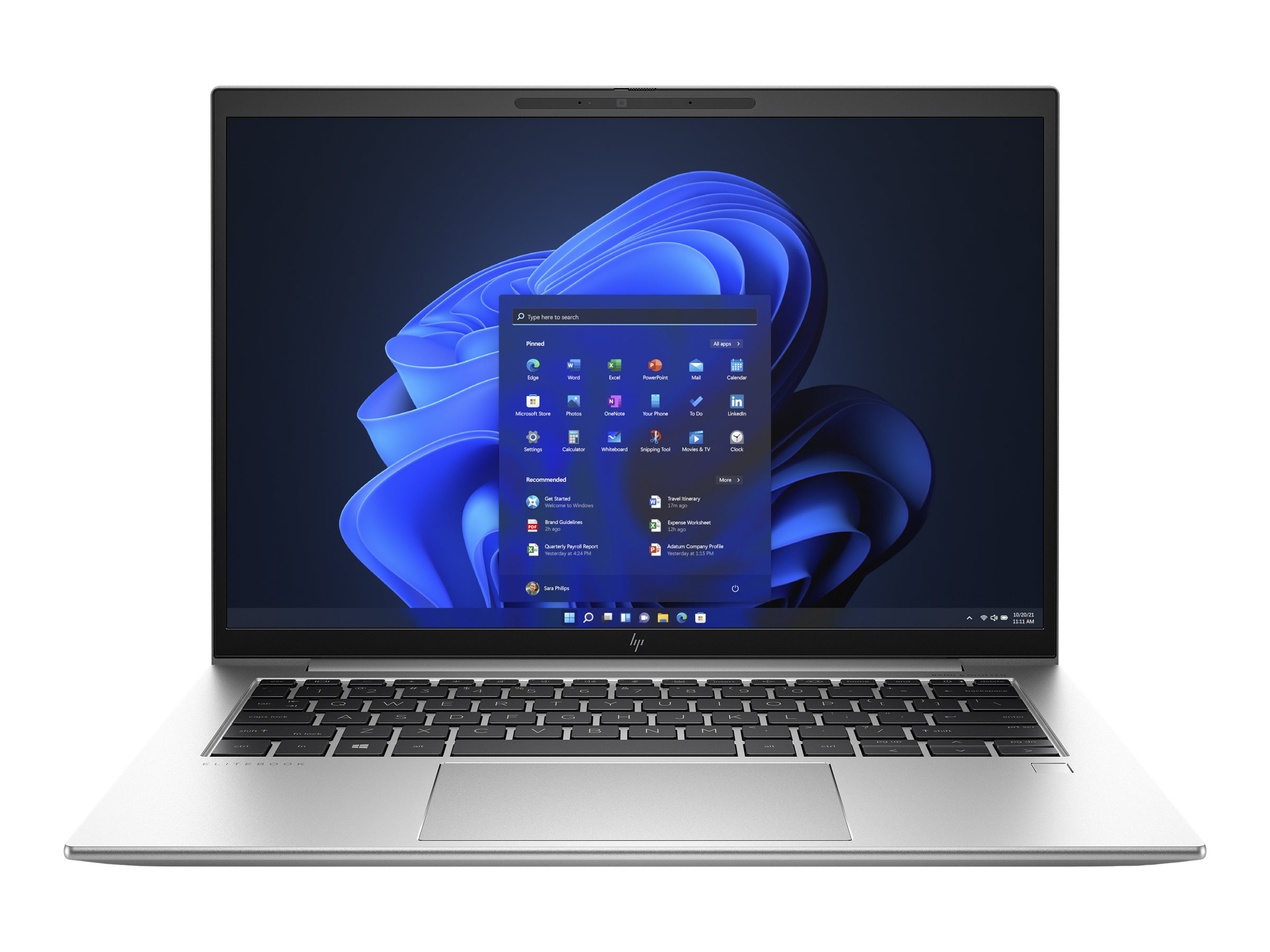
If you've cracked or damaged your HP EliteBook 845 G8 screen, this replacement display will get your laptop looking sharp again! This is a brand new 14-inch FHD IPS panel with 1920x1080 resolution and a matte finish that reduces glare - perfect for working in bright offices or outdoors. The 30-pin connector matches your laptop's original setup, and the IPS technology gives you those great viewing angles and color accuracy that make everything look crisp and clear. Just a heads up - this is the screen only, so you'll need to reuse your original brackets and screws from your old display during installation. The screen meets ISO quality standards, which do allow for up to 2-5 dead pixels as industry standard, though most screens arrive perfectly fine. Before you buy, definitely double-check that this matches your exact model by comparing the connector type and specifications with your original screen. Installation requires some careful work since you'll be handling delicate components, but there are plenty of online tutorials that can walk you through the process step by step. Once installed, you'll have your EliteBook back in action with a display that looks just as good as the original - maybe even better if you're upgrading from a worn-out screen! It's way more cost-effective than buying a whole new laptop, that's for sure.